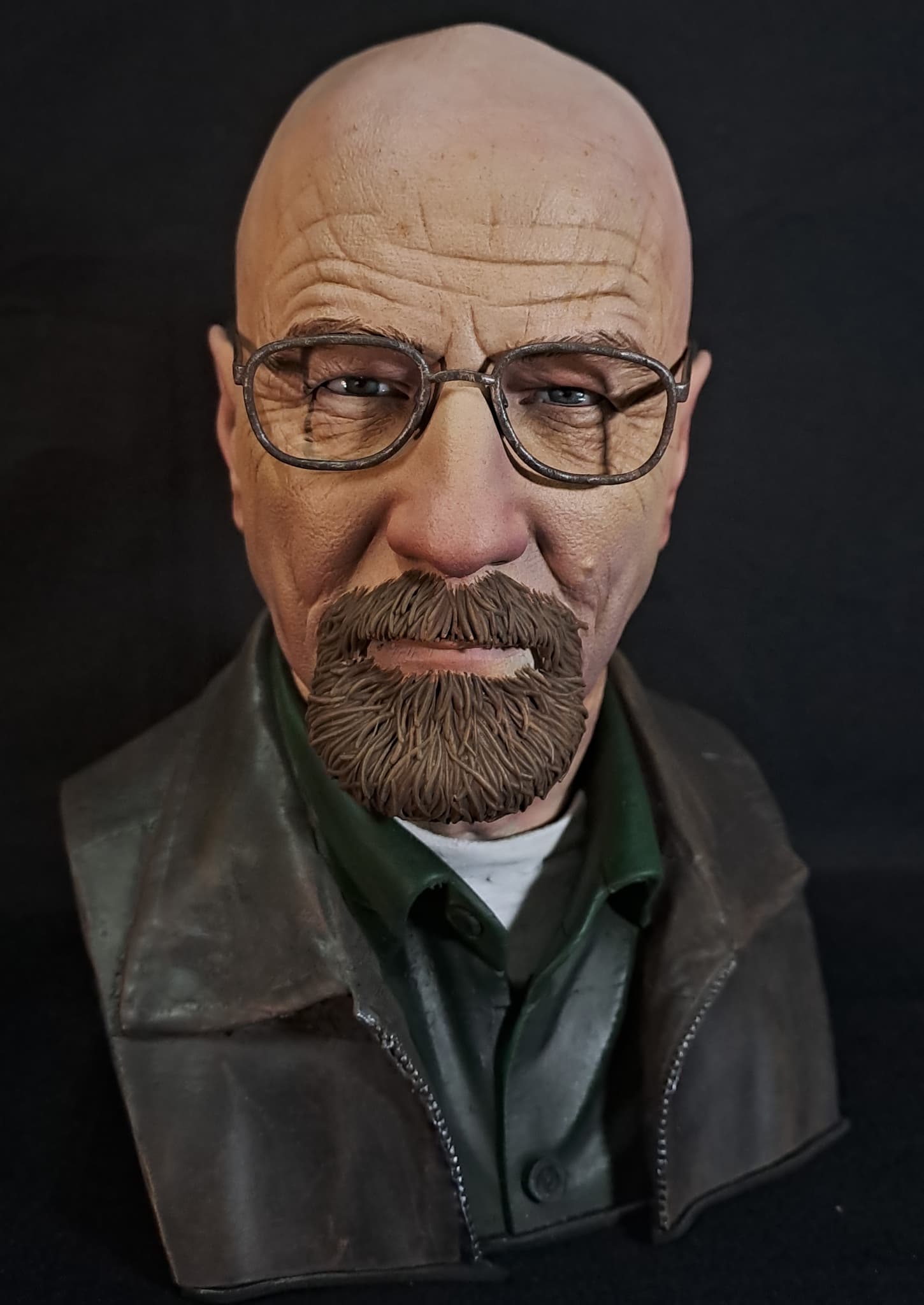
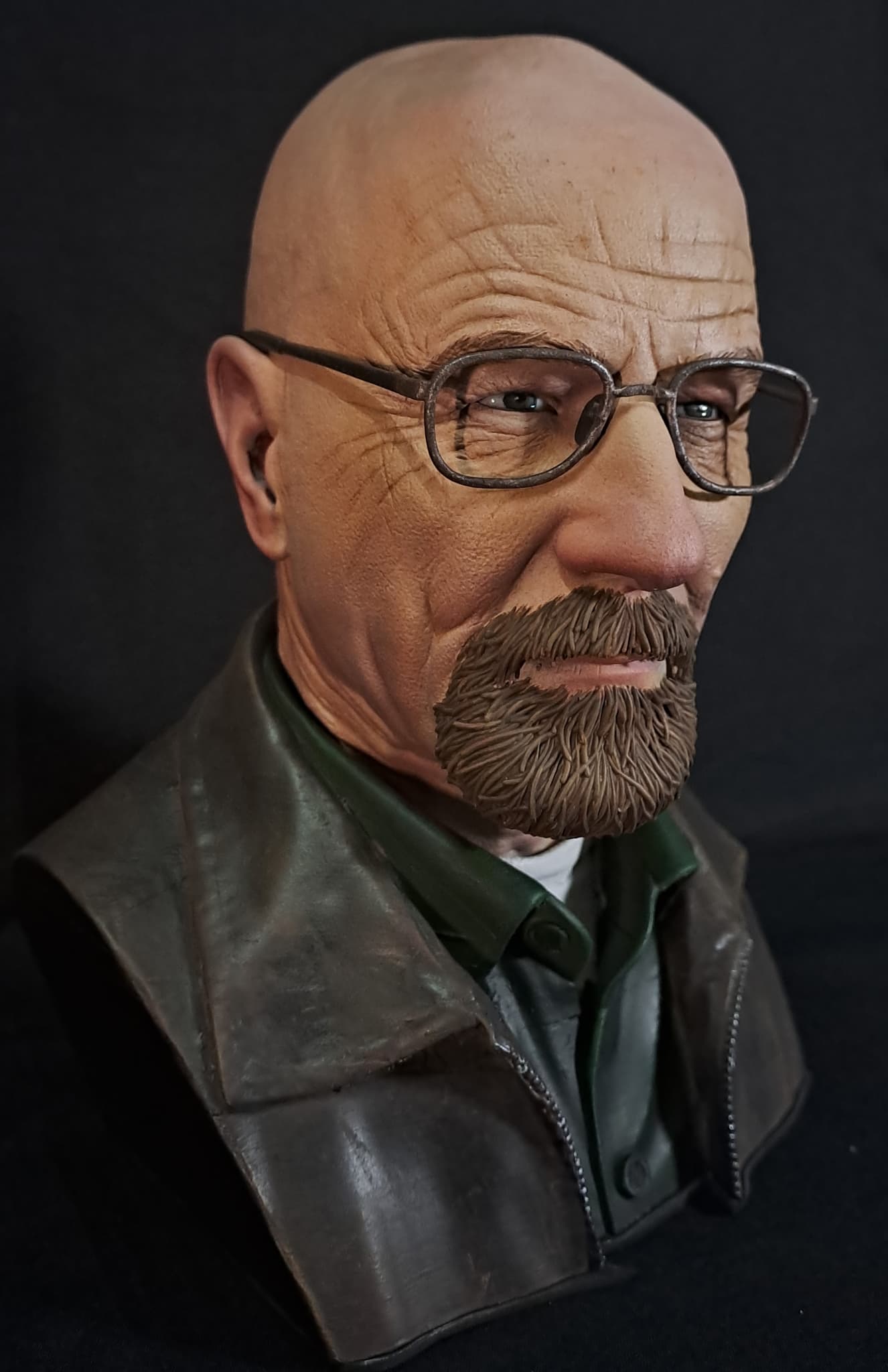
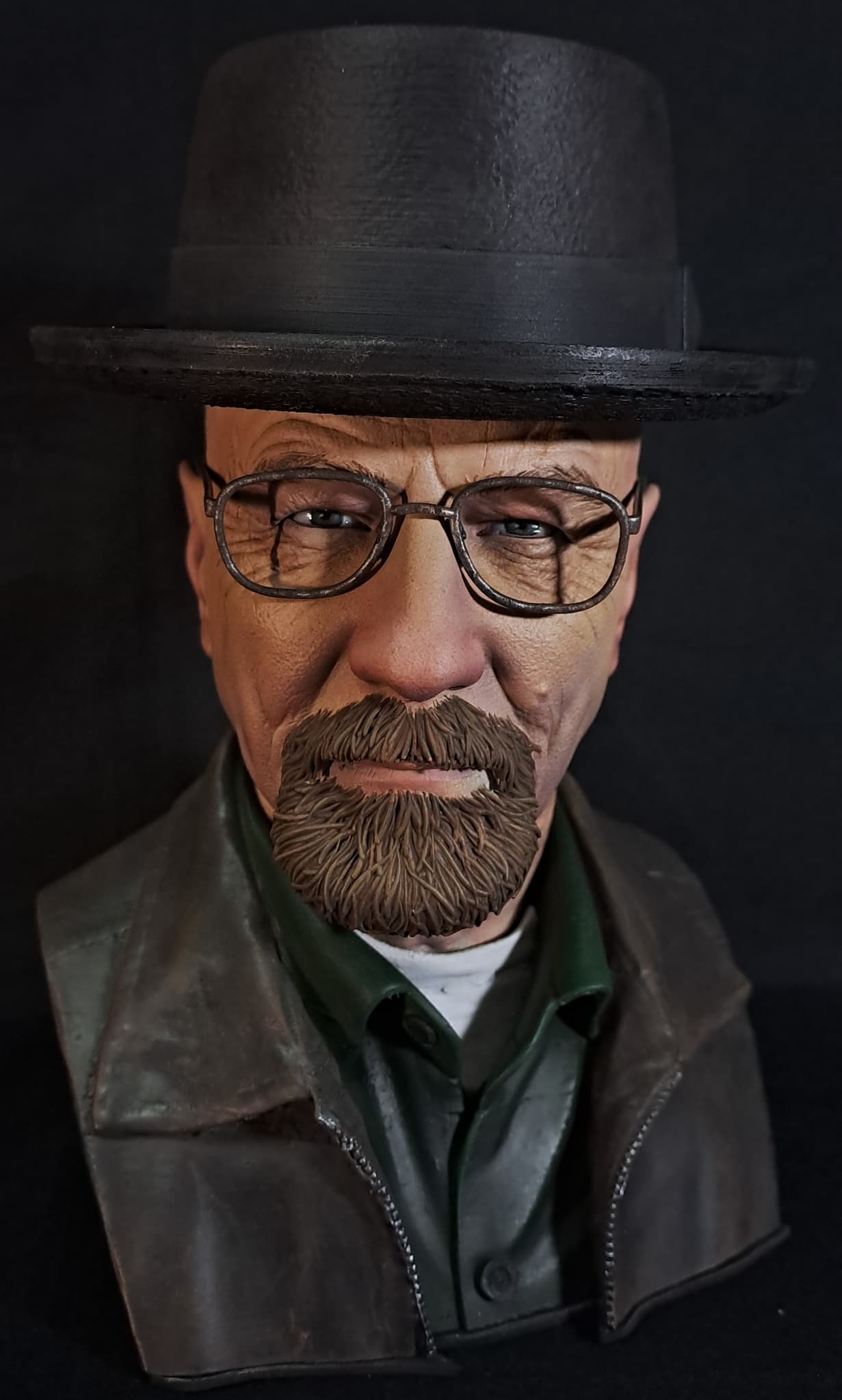
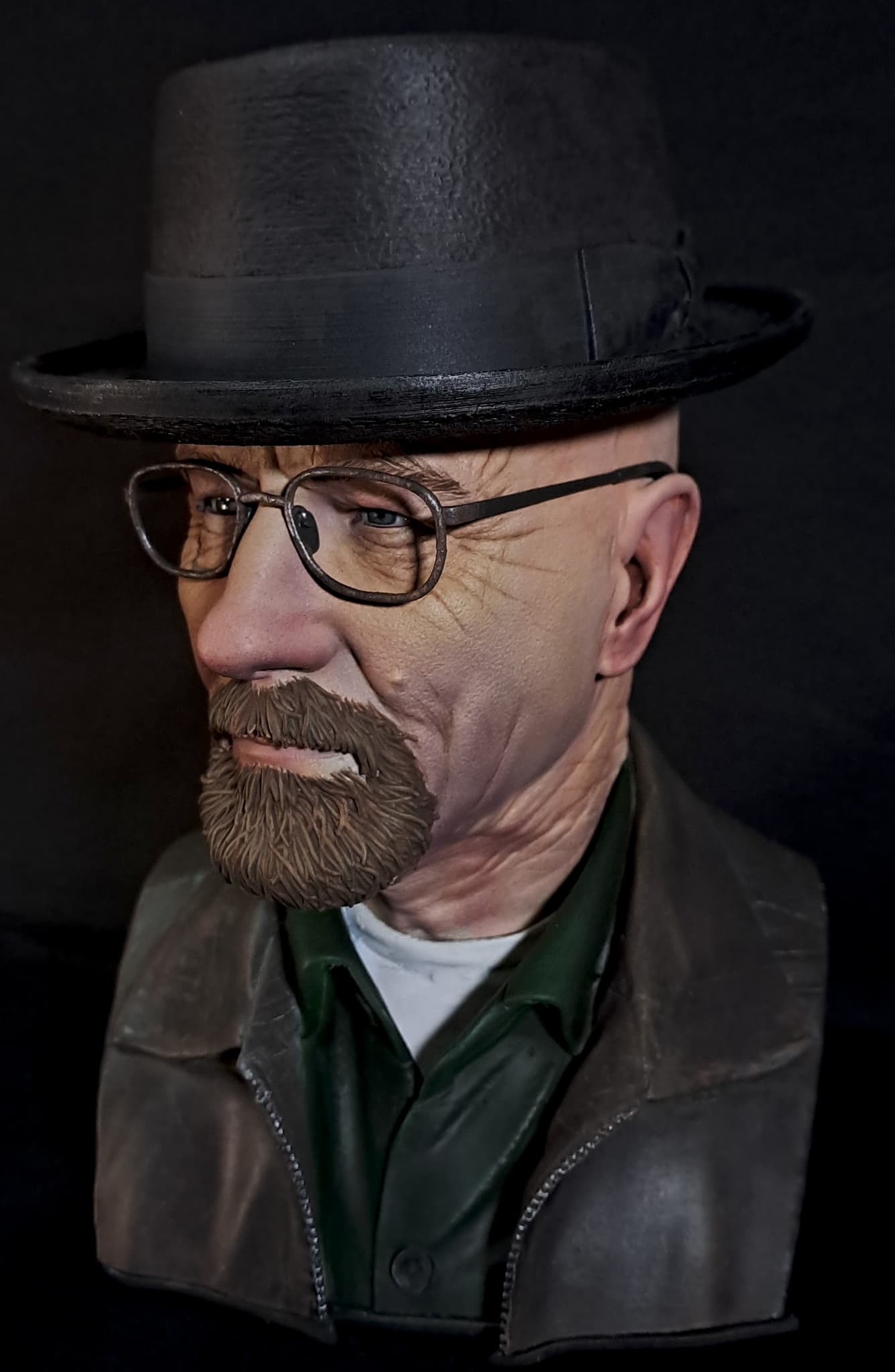
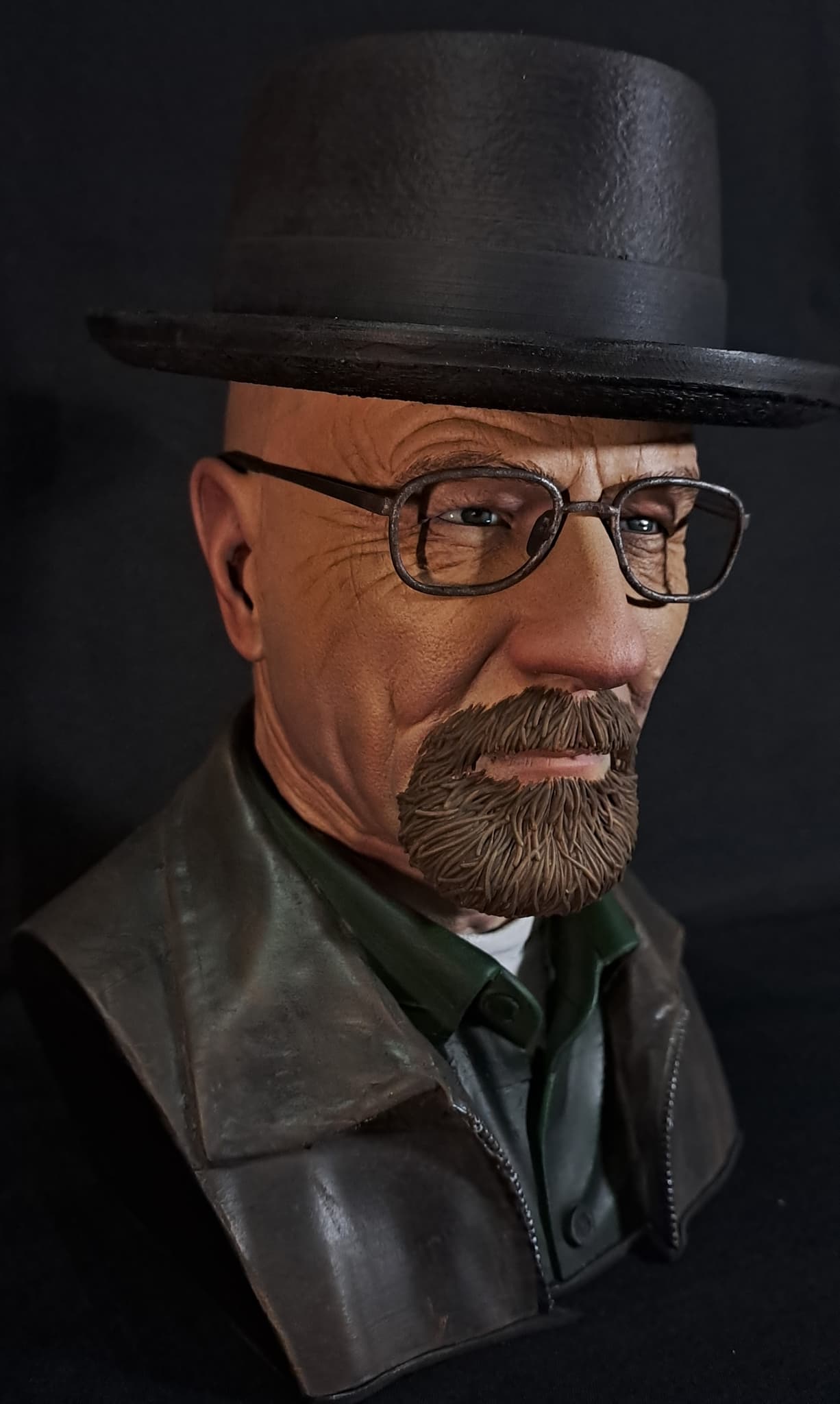
3D printing and painting of Walter White (Heisenberg) from Breaking Bad, created by Sid Naique.
The head was printed in resin, while the clothes were printed in white PLA.
The head was painted following these steps:
- First, I applied a base coat using a skin-tone color, along with the underlying skin tones: red on the ears, nose, lips, and cheeks; yellow on the forehead and bridge of the nose; and blue under the eyes and along the jaw. I also added a small amount of green under the eyes.
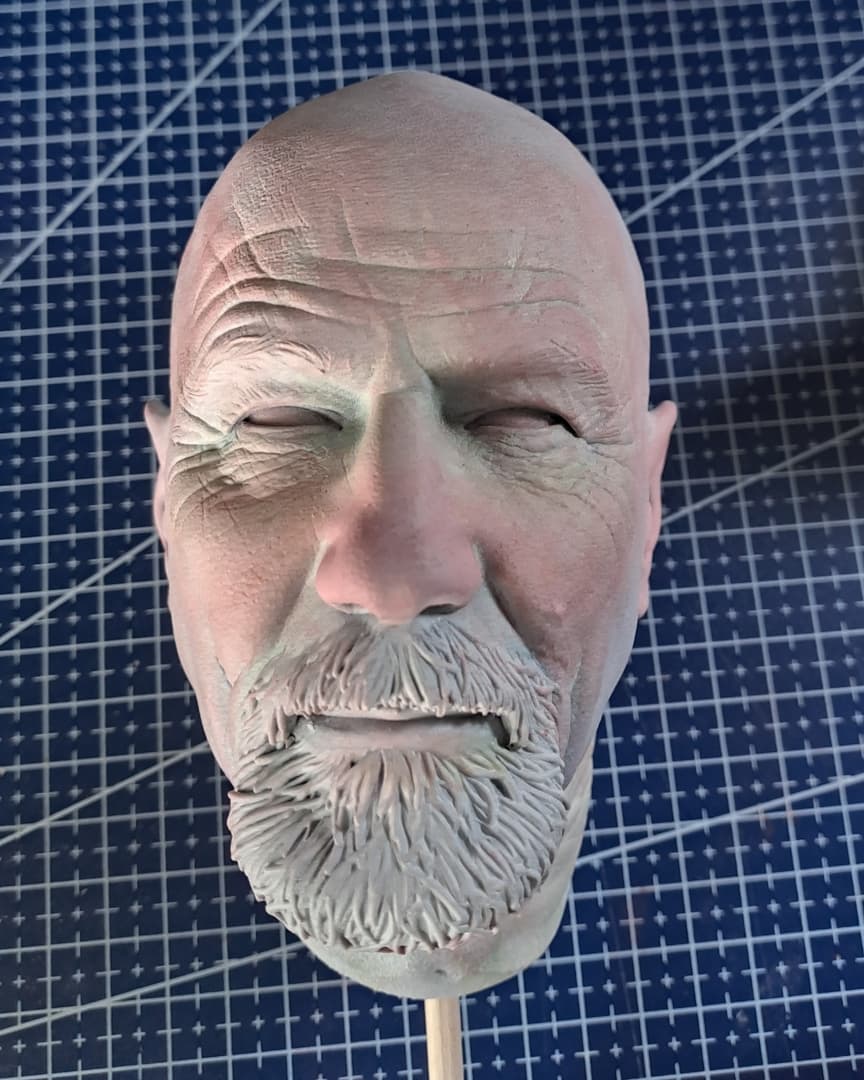
- Using an airbrush, I sprayed two thin coats of the base skin color. I then lowered the airbrush pressure and sprayed small dots of light brown. This technique is called stippling. It adds more visual information to the surface and helps the eyes and brain perceive the bust as more realistic.
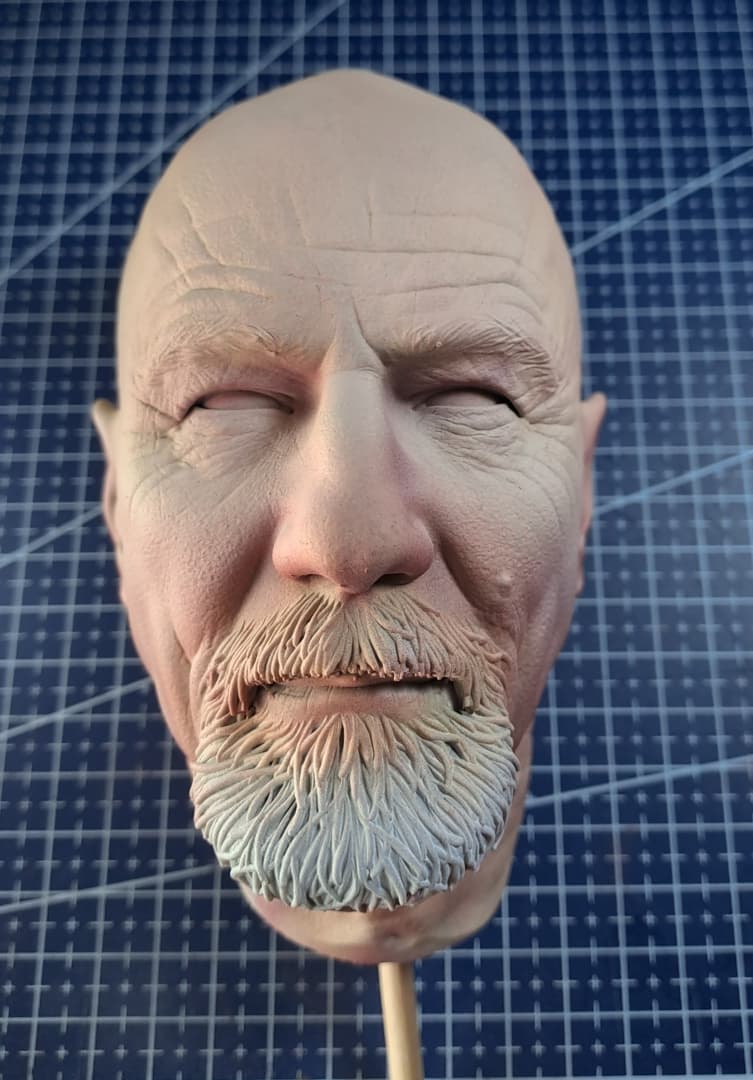
- Using an airbrush, I sprayed a thin coat of a lighter skin color from above and the shadow color from below. This technique accentuates the model's details and creates a stronger sense of depth.
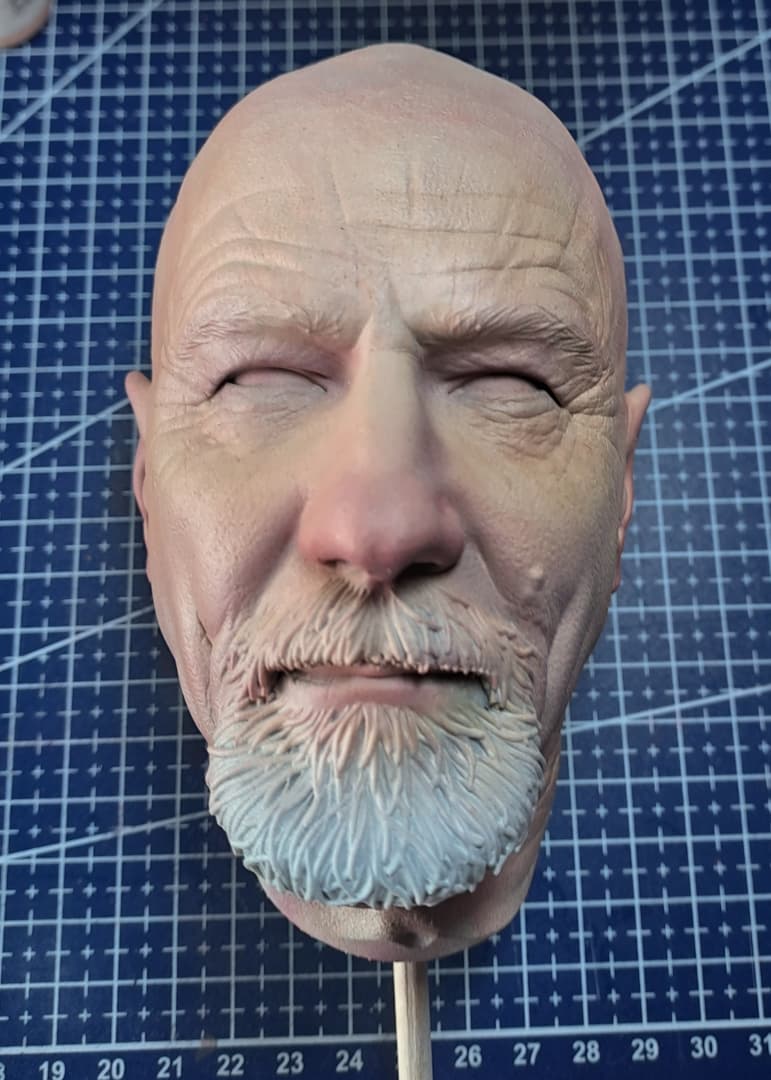
- Using washes (paint diluted with water), I painted the underlying skin tones again. Once this was finished, I sprayed a thin coat of the base color with the airbrush to blend the previous steps together. I then painted the facial hair to visually separate the skin from the other parts of the head, making it easier to identify and fix any mistakes.
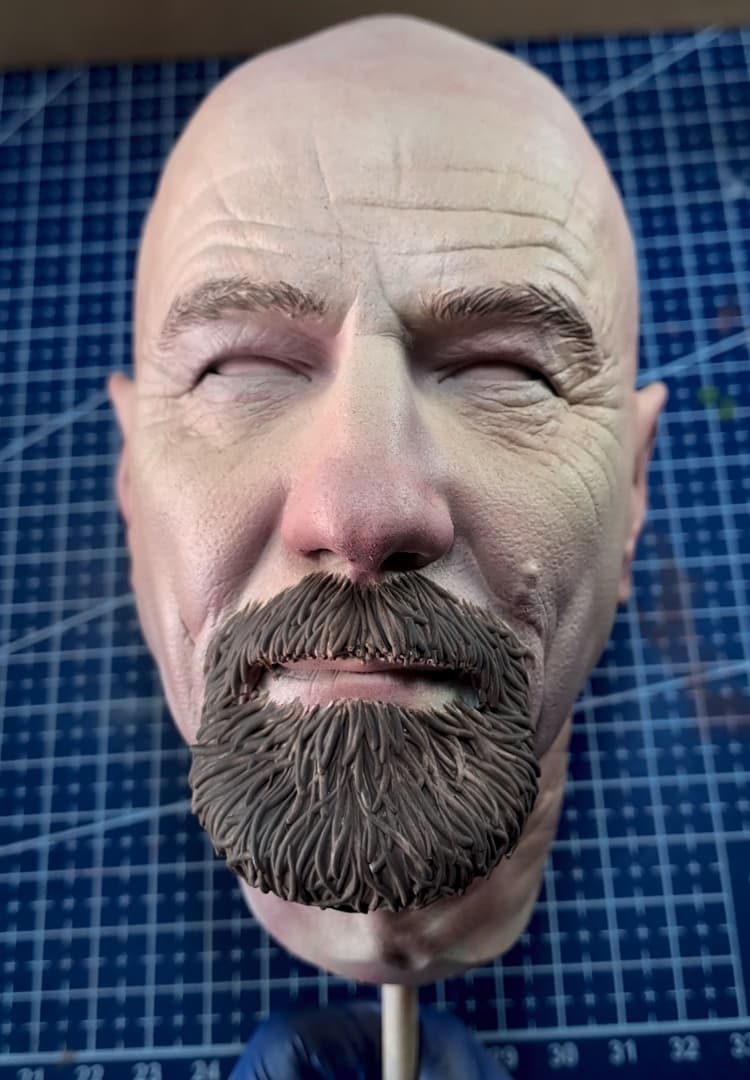
- Finally, I painted the eyes. First, I painted the sclera using white mixed with a small amount of blue (never use pure white). Then, I mixed a warm red with white to create a pale pink for the tear ducts. I continued by painting the dark part of the iris and gradually adding the lighter areas, finishing with the pupil and a small white highlight.
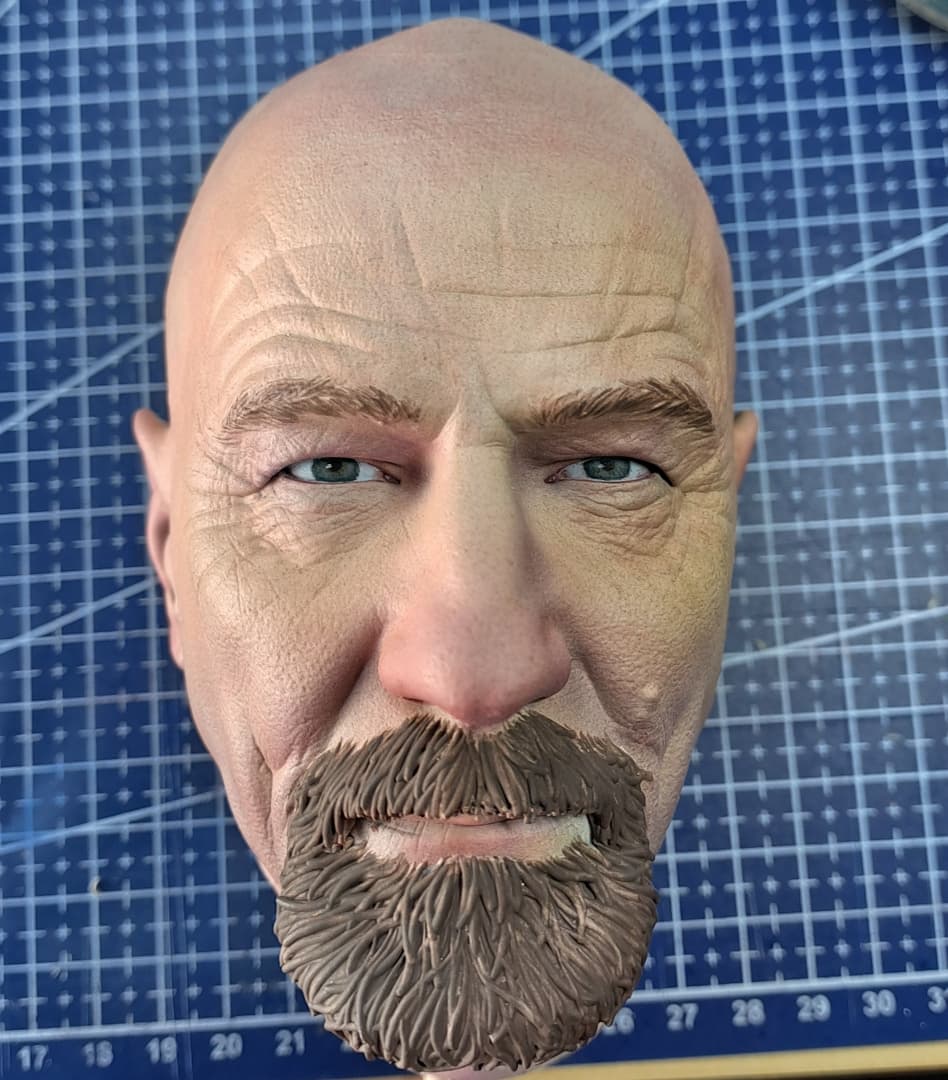
Final Result
No Hat
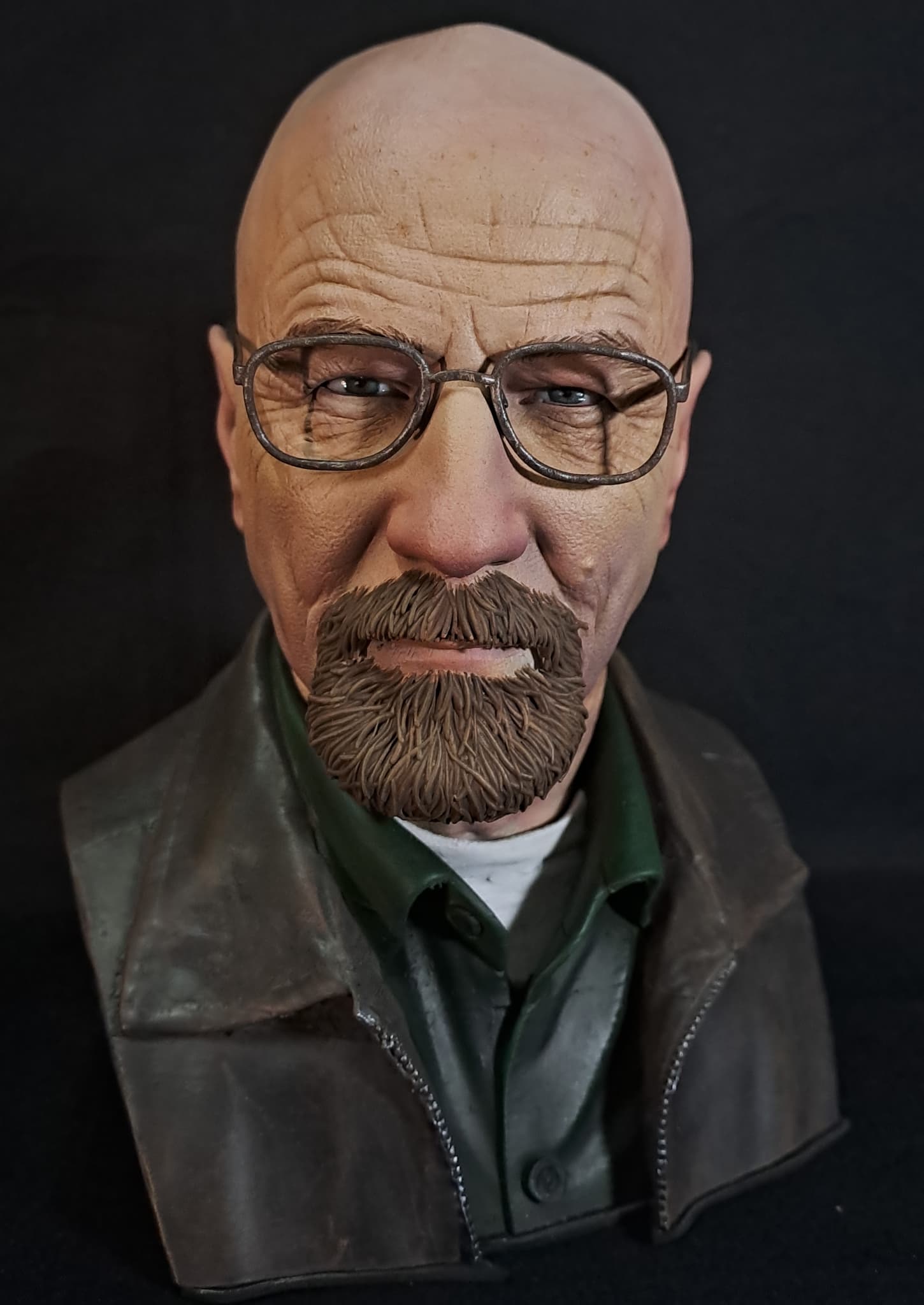
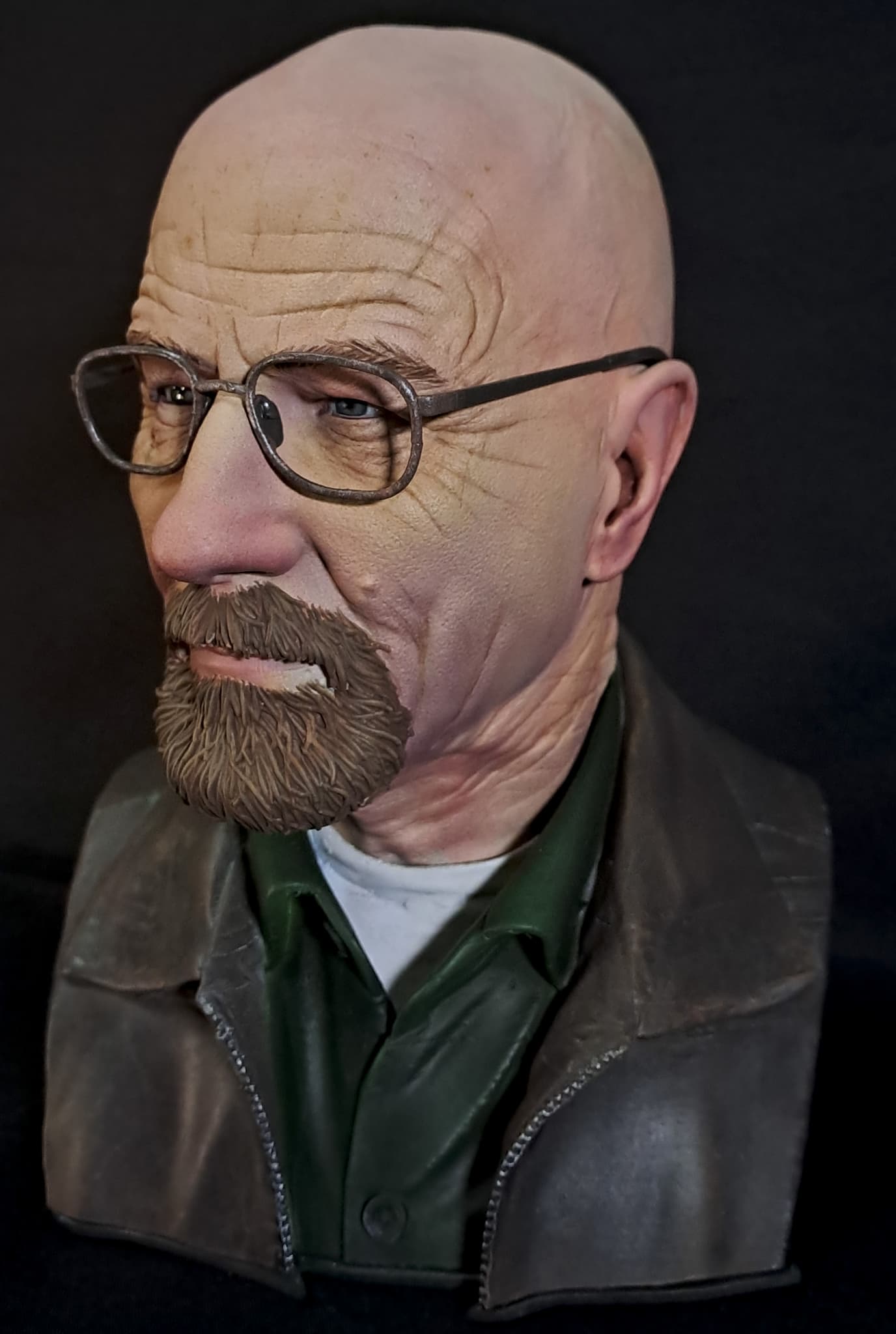
Hat
Material Used
- Bambu Lab A1 FDM 3D printer
- Elegoo Mars 3 SLA Resin 3D printer
- Bambu Studio for slicing and preparing FDM prints
- Chitubox for slicing and preparing resin prints
- Brushes
- Spray paints
- Sandpapers
- Vallejo Paints
- Airbrush
- Polymer Clay